- Home improvement
These are the best places to install a security camera and protect your home
Alistair CharltonMonday 01 December 2025 16:32 GMTComments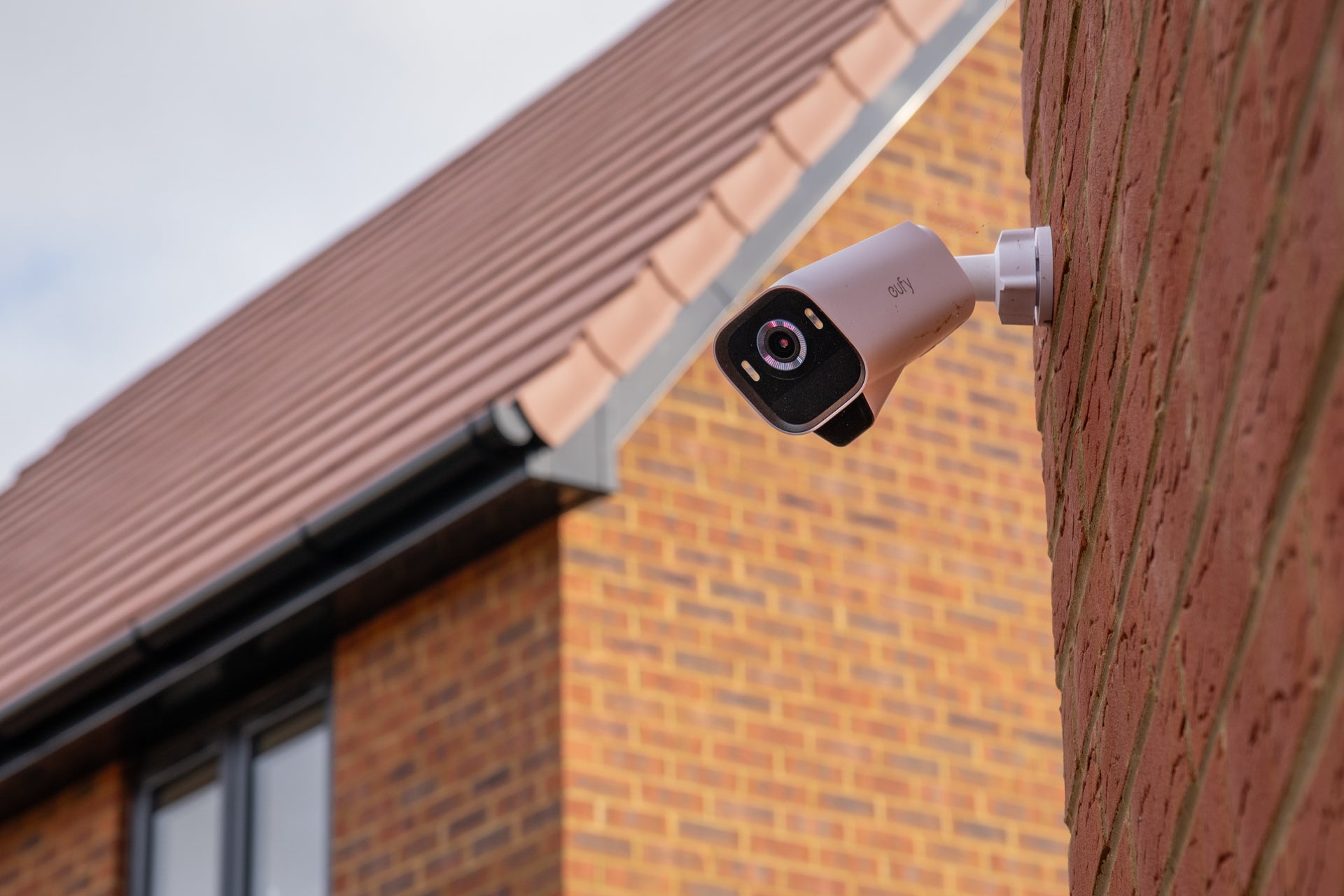 open image in gallerySecurity camera placement is key to protecting your home (The Independent / Alistair Charlton)
For free real time breaking news alerts sent straight to your inbox sign up to our breaking news emails
Sign up to our free breaking news emails
Sign up to our free breaking news emails
Email*SIGN UPI would like to be emailed about offers, events and updates from The Independent. Read our Privacy notice
Compact, affordable and intelligent security cameras have made it easier than ever to protect your home with a professional-grade surveillance system.
But, while it’s easy to buy and install a camera, it’s just as easy to make mistakes when choosing the perfect location to protect. Many of the best home security cameras include instructions for picking the best spot, and this often varies depending on the performance and specification of the camera. So while one spot might be perfect for one model of camera, it’ll be less good for another.
As well as picking the best spot for your specific camera, it’s also worth assessing which locations need surveillance, and therefore how many cameras your home might need. Afterall, it’s no good installing a camera to monitor the front door when a potential burglar can access the back door, or a ground floor window, without being detected.
Read on to learn more about the perfect locations to install your home security cameras.
Best spots to position your security camera
1. Front door
This is the best location to put your first security camera, or video doorbell. It gives a view of the front of your home (or a view looking outwards if using a video doorbell) and helps the camera act as a visual deterrent. Most of the best video doorbells are designed to be installed in the same location as a regular doorbell, and often come with both flat and angled mounting plates to help position the camera correctly.
Security cameras are best placed higher up and to the left or right of your door. That way, they’ll record a view of the door, as well as the area ahead and to the side. Footage will then show a trespasser’s approach to your property, not just the door itself. Ideally, you’ll want to install the camera high enough so that it’s out of reach – to stop it from being stolen or interfered with, but also so you can access it to charge the battery every few months.
3. Back door or side entrances
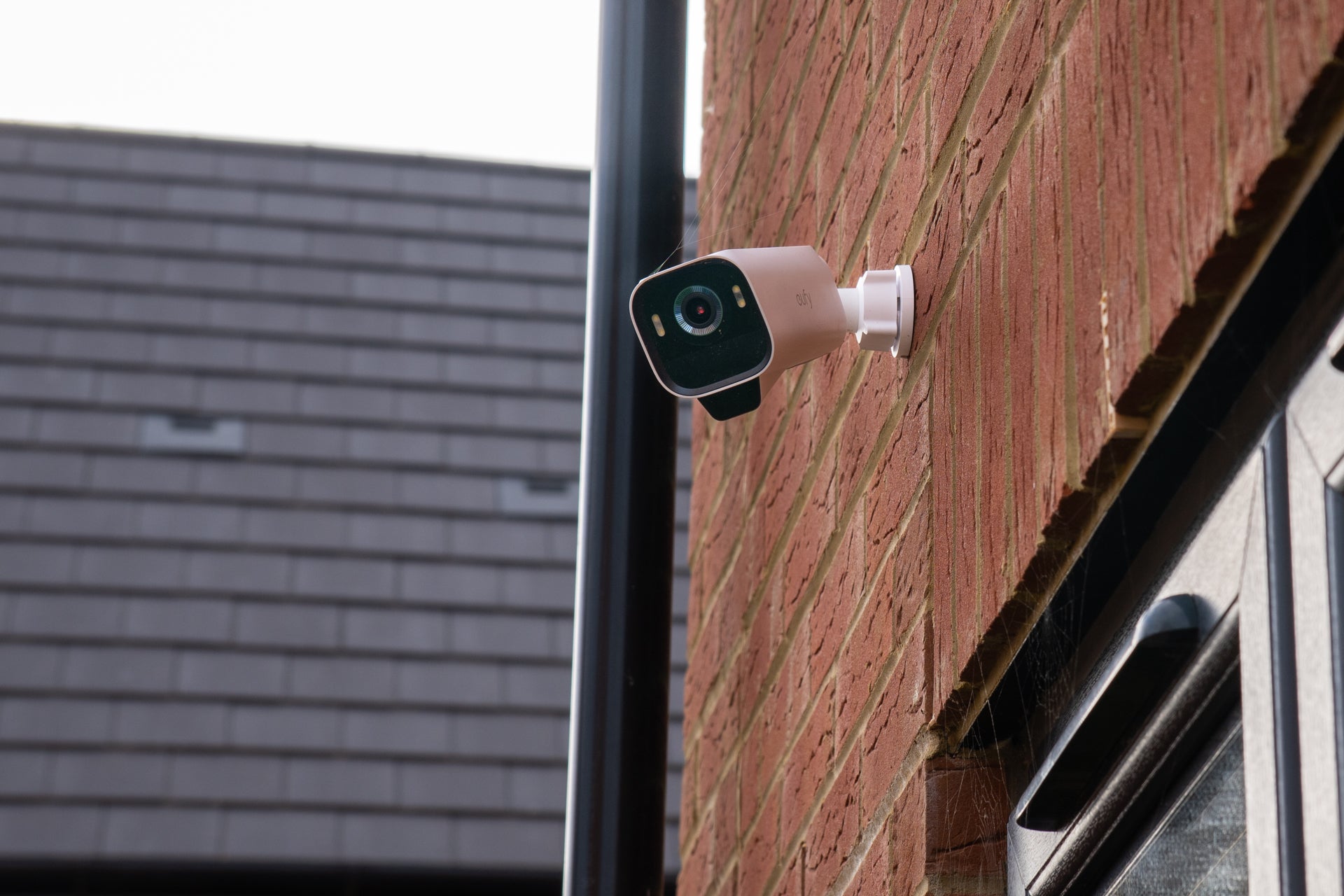 open image in gallerySecurity cameras can help protect your garden and back door (The Independent / Alistair Charlton)
If buying a second camera, install it where it’ll have a clear view of either the back door or side entrance to your property. As with the front door camera, install it high up and at an angle so it captures a good view of the door and the surrounding area. Be careful not to point it at other people’s property, or use the camera app’s blocking and censoring tools if you need to obscure part of its view.
Installing a second camera with a view across the back garden can work well. Here, it can monitor the back door, garden, and potentially a side gate too. If you can, position the camera so its view is entirely of your own property – you can then set it to record, shine a spotlight or even sound an alarm when any movement is spotted at night, without it being triggered by movement beyond the confines of your garden.
4. Driveway
Another obvious location is the driveway, where a security camera can act as a deterrent against car theft and loitering around your home. Install the camera nice and high, but be aware of the performance of its night vision and motion-detection systems. Too high up, and it might struggle to reliably spot movement and start recording.
Security cameras with spotlights can help deter car thieves, while also acting as a convenient nighttime light if you don’t already have one. Be careful not to record your neighbours’ driveways and gardens, or into the windows of the houses opposite. You can use the camera app’s recording-zone and detection-zone tools to block out neighbouring properties and prevent the camera from recording every passing vehicle and pedestrian.
Be sure to test the Wi-Fi signal strength of cameras monitoring the garden and driveway, since a greater distance from your router might cause an intermittent connection. If your outdoor camera has a poor connection, try relocating the router or purchasing a Wi-Fi signal booster or network extender.
5. Ground floor windows
Interior cameras tend to be cheaper than weather-resistant cameras designed to be installed outside. They also tend to be powered from a plug socket instead of a battery, so they never run out of charge.
These cameras are often used to keep an eye on pets while you’re away from home, but they’re also useful for home security. Install one looking through a ground-floor window, and you’ve potentially got an extra view of someone trespassing or acting suspiciously outside your property. If the worst happens, they’ll capture footage of a break-in that might be missed by a video doorbell or outdoor camera mounted to the front of your home.
You’ll want to test this location carefully, because security cameras can falsely respond to reflections in the window. Interior cameras are also useful for recording specific views of valuable possessions, such as watches and jewellery collections, safes, or key storage boxes.
6. Garage, shed or outbuildings
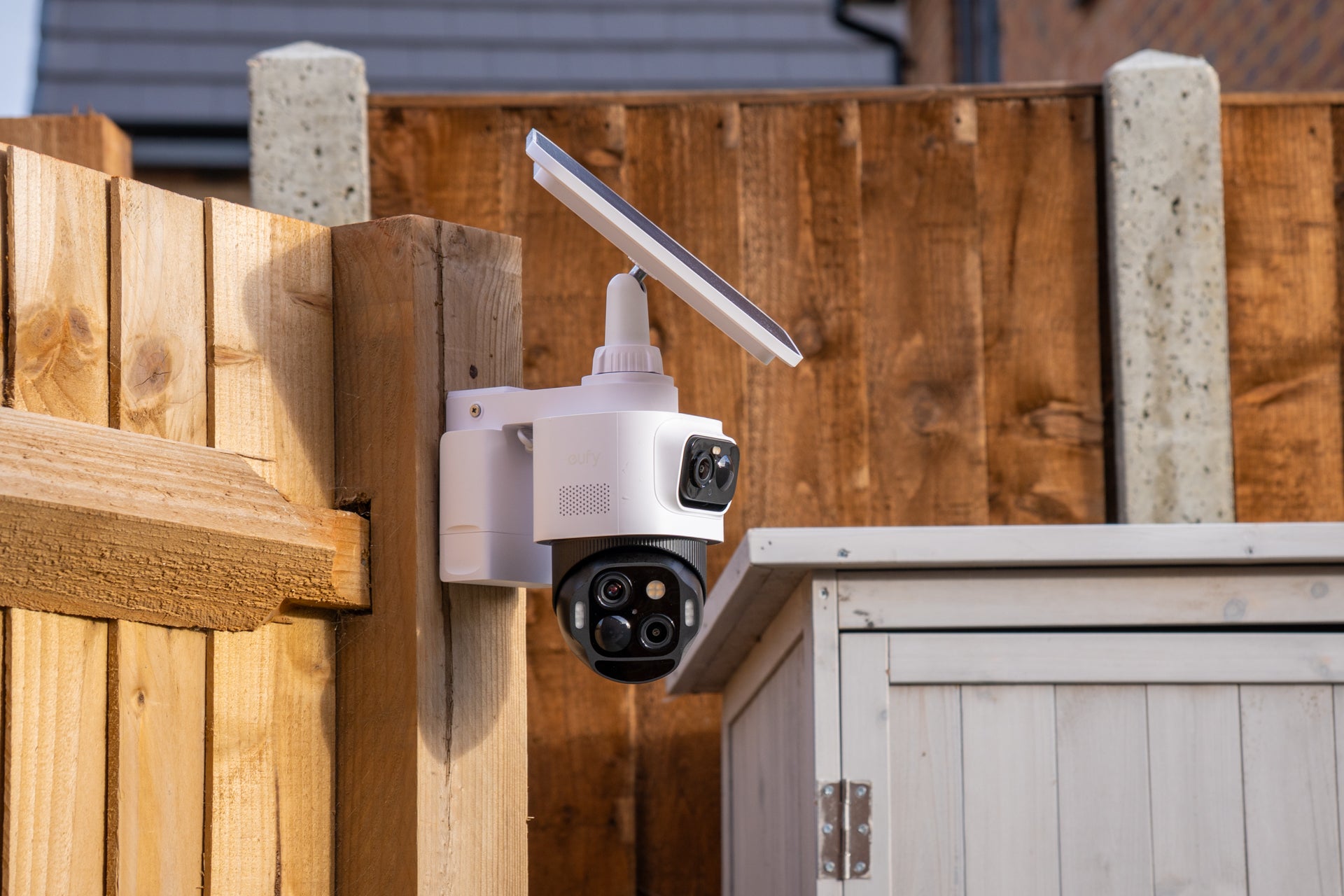 open image in galleryOutdoor security cameras are good for protecting sheds and garages (The Independent / Alistair Charlton)
Finally, security cameras are great for protecting outbuildings, like garages and sheds. They can usually be mounted with a couple of included screws to a nearby wall, post or fence, and from there you’ll be able to capture a good view of the building you want to protect. Outdoor cameras tend to have surprisingly good weather resistance, and can be left outside in all manner of weather without concern – just make sure to check that it’s designed to be used outdoors, and secure all covers and openings, like the microSD card slot, correctly.
As with other outdoor locations, mount the camera high enough to be out of reach, ensure it has a good view of the garage or shed, and check that it can maintain a strong and steady Wi-Fi connection. Outdoor cameras with spotlights are best for this use case, since the lights can be set to come on, or even flash, when motion is detected. The camera can then be configured to arm at, say, 10pm, then disarm at 7am. That way, it’ll turn its light on and start recording whenever it spots motion during those hours, without needlessly responding when you’re mowing the lawn.
Lastly, test out the camera’s night vision function. If it uses infrared night vision, make sure it has a good view of the area you want to monitor, and that there’s nothing close to the lens. If mounting to a window ledge, make sure the ledge can’t be seen by the camera at all, otherwise the infrared light will bounce off the ledge and cause most of the nighttime image to turn white. Similarly, make sure the camera’s view isn’t partially obstructed by leaves, tree branches, or anything else that infrared light could reflect off of.
More about
home improvementsHome securitysecurity cameraHome security systemJoin our commenting forum
Join thought-provoking conversations, follow other Independent readers and see their replies
Comments