- Pro
I've tested and benchmarked SSDs for years, and these are my top picks for picking up a fast USB4 or Thunderbolt SSD for cheap this Black Friday.
Comments (0) ()When you purchase through links on our site, we may earn an affiliate commission. Here’s how it works.
 (Image credit: Corsair // OWC // SanDisk // Future)
Jump to:
(Image credit: Corsair // OWC // SanDisk // Future)
Jump to:
- Top deal
- External SSD deals
- Internal SSD deals
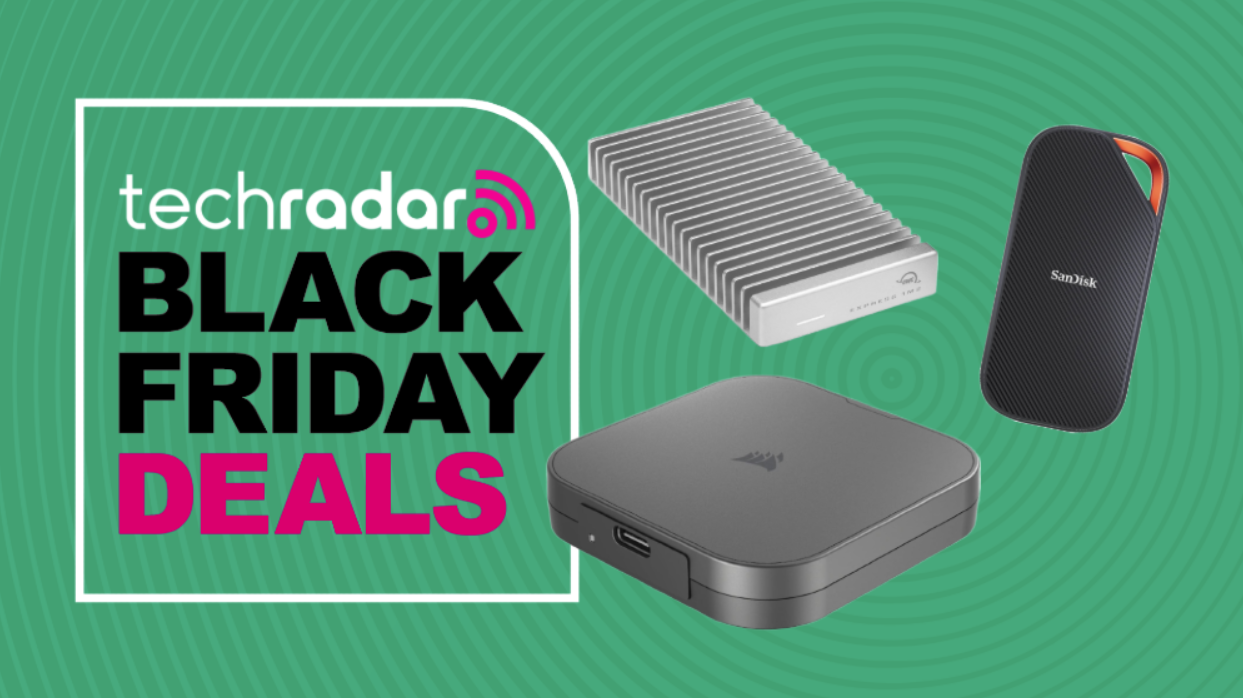
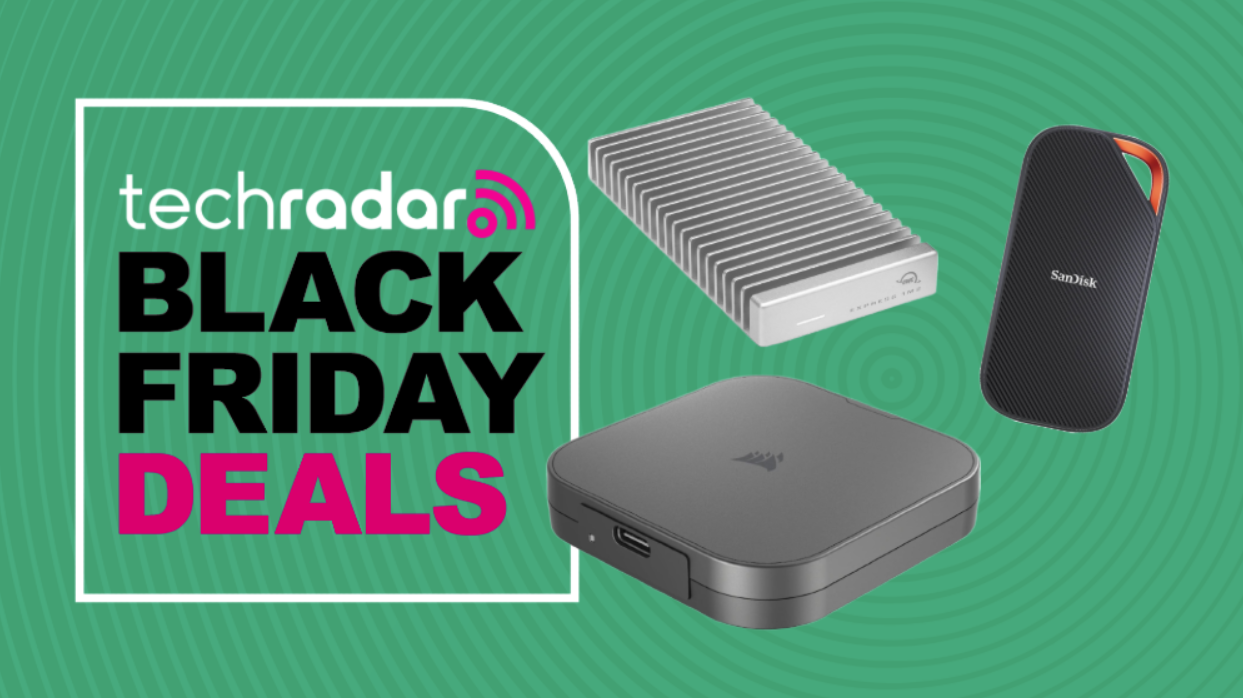
If you're on the hunt for a low-price USB4 or Thunderbolt SSD this Black Friday, I've selected some top deals available right now. Having tested, benchmarked, reviewed, and rated plenty of these fast storage solutions, I've found the best deals around.
My favorite USB4 drive is the Corsair EX400U 1TB now $129 at Amazon (was $140), which is an excellent choice for photographers and anyone who needs speedy, high-capacity storage.
My top Black Friday USB4 SSD deal
 Save US$11Cosair EX400U 1TB: was US$139.99 now US$128.99 at AmazonRead moreRead less▼
One of my favourite drives, mostly because it's incredibly quick, but also because it is magnetic. The magnet adhesion of this design is an excellent feature if you are using it with a camera, as you can attach it to the camera or the tripod.
Therefore, photographers and videographers should consider this excellent USB4-compatible external drive, as it offers 4,000MB/sec sequential read and up to 3,500MB/sec sequential write.
The only weaknesses of this drive are that it doesn’t support hardware encryption and it's not waterproof, but Corsair has an alternative product that covers one of those issues.
View DealTop Black Friday external USB4 and Thunderbolt storage deals
 Save US$49SanDisk Extreme PRO with USB4 4TB: was US$335.99 now US$286.99 at AmazonRead moreRead less▼
Before the good things, I need to mention that SanDisk has this horrible trait of making all its external USB drives look identical. That results in people buying the wrong drives, so make sure you get the USB4 version, because it looks almost identical to the USB 3.2 variant.
The SanDisk Extreme PRO with USB4 is a high-performance external SSD designed for professionals and power users. It features USB4 connectivity, delivering blazing-fast read and write speeds of 3800 MB/s Read and 3700MB/s Write, making it ideal for 4K/8K video editing, large file transfers, and gaming. Its rugged design offers durability and advanced protection, with both water and dust resistance.
View Deal Save US$50OWC Envoy Ultra 4TB: was US$549.99 now US$499.99 at AmazonRead moreRead less▼
When OWC launched the Envoy Pro, I was impressed with its performance, but the Envoy Ultra is on a whole new level.
This is a Thunderbolt 5 compatible drive that will work with USB4, although the best performance requires a TB5 port. Available as either a 2TB or 4TB model, the Envoy Ultra is rated to transfer files at a whopping 6,000MB/s.
That capability makes it ideal for people working with 4K or higher video content, as you can move massive video files effortlessly with this technology. But keep in mind, to get the most from this drive, you need TB5, and if you use it with USB4, the performance will be reduced to 4,000MB/s.
View Deal Save US$37Sabrent Rocket XTRM 5 2TB Thunderbolt 5 Portable SSD: was US$369.99 now US$332.99 at AmazonRead moreRead less▼
The SABRENT Rocket XTRM 5 2TB Thunderbolt 5 Portable SSD is a cutting-edge external drive designed for users who demand ultra-fast data transfers and reliability. Leveraging Thunderbolt 5 technology, it delivers exceptional performance for creative professionals, gamers, and anyone working with large files. Its robust build ensures durability, while advanced features support seamless workflows and efficient storage management. But, you must have TB5 ports to get the top speeds!
View Deal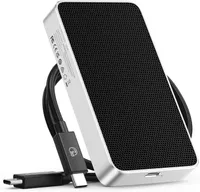 Save US$115ORICO 80Gbps 2TB Portable SSD: was US$399.99 now US$284.99 at AmazonRead moreRead less▼
There aren’t many external SSDs that support Thunderbolt 5 and 80Gbps mode, but this one by ORICO does.
If you have a TB5 port, then it is possible to move 6GB a second to and from this drive, which uses a hydrogel to passively transfer heat from the SSD inside to a fin cooling structure on the base. It comes in four versions that include a barebones model, 1TB, 2TB and 4TB options. The deal is only on the 2TB model, which makes it cheaper than the 1TB capacity.
But be careful when ordering: there is an X40 model that delivers only 40Gbps, and you want the X50 model with 80Gbps throughput. But to achieve that speed, you need Thunderbolt 5 ports.
View DealTop USB4/ThunderBolt Enclosure Deals
 Save US$37.80Ugreen 40Gbps M.2 NVMe Enclosure with Cooling Fan: was US$109.99 now US$72.19 at AmazonRead moreRead less▼
Another item I personally use on a daily basis, and something that everyone with a USB4-capable system should own. And, at this price, there isn’t any excuse.
What you need to understand is that this is an enclosure, and it comes with no storage. It can take M.2 NVMe drives in the following form factors 2280/2260/2242/2230, making it the ideal tool for anyone looking to clone an existing system to a new drive. With USB4 and a fast enough NVMe drive, speeds of up to 4000 MB/s are possible, enabling even a 1 TB drive to be duplicated externally in relatively short order.
This model has a protective rubber bumper, and an active fan to stop the drive inside from overheating. A brilliant product at an incredible price.
View Deal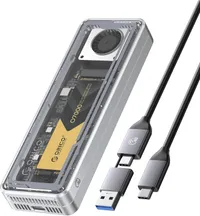 Save 20%Orico 40Gbps M.2 NVMe SSD Enclosure with Cooling Fan: was US$79.99 now US$63.99 at AmazonRead moreRead less▼
This external enclosure by Orico for M.2 drives is remarkably like the Ugreen design with a fan, although this one is even cheaper, and it has a clear cover revealing the drive inside.
Again, it comes with no inherent storage, which must be added by inserting an M.2 drive up to a maximum of 8TB. With a Gen 4 drive, speeds of 3700MB/s reading and 3100MB/s writing are possible, which is more than three times the typical USB 3.2 Gen 2 performance.
The only caveat to this and the Ugreen enclosures is that older Thunderbolt versions and some USB ports may not support full 40Gbps speed, even if the enclosure can.
View Deal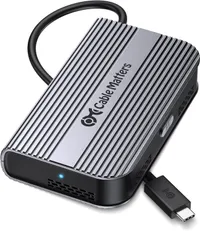 Save US$30Cable Matters 40Gbps Portable USB4 / Thunderbolt 4 SSD Enclosure : was US$89.99 now US$59.99 at AmazonRead moreRead less▼
Cable Matters has a reputation for making some high-quality hardware, and this highly affordable Thunderbolt enclosure is a classic example. The entire enclosure is a heatsink designed to keep any M.2 drive installed inside from overheating, even under the most extreme conditions.
It’s built for USB4 and Thunderbolt 4 connections, and with those technologies, it can deliver up to 3800MB/s reads and 3600MB/s writes. And, without a fan, there is nothing to make a noise or go wrong.
The only known issue with this hardware is that it doesn’t support double-sided M.2 modules; it only supports single-sided. So, keep that in mind when you go to purchase an NVMe drive to go inside, since you can’t use some popular designs.
View Deal Save US$40Ugreen 40Gbps M.2 NVMe Enclosure with Aluminum Double-Sided Fin Heat Dissipation: was US$109.99 now US$69.99 at AmazonRead moreRead less▼
This is an alternative to the actively cooled Ugreen enclosure. Instead of a fan, this design uses fins milled into the metal enclosure to dissipate heat passively. It does this on both the top and underside of the enclosure, enabling it to remove enough heat to support 8TB modules. Most enclosures only support 4TB and single-sided modules, but this one can cope with an NVMe drive without a heatsink attached.
At a maximum transfer speed of up to 3600MB/s, it might not be the absolute fastest enclosure, but it's quick enough for those with USB4 and Thunderbolt 4. And without a fan to fail, it should give many years of service.
View Deal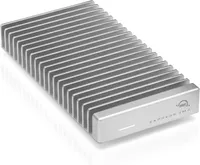 Save US$20OWC Express 1M2: was US$119.99 now US$99.99 at AmazonRead moreRead less▼
As one might expect, OWC goes that bit further than other makers when it comes to a USB/Thunderbolt M.2 enclosure. It stands out for its robust build and advanced connectivity, supporting both USB4 and Thunderbolt interfaces. This makes it ideal for users who need fast data transfers and reliable performance.
The enclosure is suitable for creative professionals and tech enthusiasts looking to maximise their storage flexibility and speed. OWC makes classy stuff, so with $20 knocked off, this might be the time to own some.
View Deal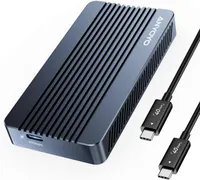 Save 15%ANYOYO 40Gbps M.2 NVMe SSD Enclosure: was US$72.19 now US$61.36 at AmazonRead moreRead less▼
ANYOYO is a new brand to the peripherals market, and if this 40Gbps M.2 enclosure is anything to go by, we’re likely to see more of their gear.
What’s nice about this design is that adding and removing M.2 modules from the enclosure is relatively easy. It comes with a rubberised thermal pad to protect the drive during transit and transfer heat to the enclosure's metal exterior. What’s technically interesting about this design is that it uses dual chips, JHL7440 and RTL9210 to enhance stability on high-speed transfers, when the full 40Gbps of bandwidth can be utilised.
A highly-affordable option for those with USB4 or Thunderbolt ports and a spare M.2 NVMe drive.
View Deal- Shop all storage deals at Amazon
- Shop all storage deals at Best Buy
- Shop all storage deals at Walmart
- Shop all storage deals at Newegg
Black Friday storage deals: FAQs
What external drive deal should I choose during Black Friday and Cyber Monday?
If you just want USB4 or even Thunderbolt 5 external drives that you plug in and use, they're available, even if the discounts aren’t the biggest.
But I’d recommend a more DIY approach using one of the external enclosures I’ve listed here. They’re inexpensive, and depending on the one you choose, many NVMe modules can be put inside and used externally.
The only caveats are that some enclosures only support single-sided NVMe, and there isn’t room for those that already have a heatsink glued to them. Most of them take the 2230, 2242, 2260 and 2280 sizes, as long as they are NVMe and not SATA modules.
The only other thing to consider is that to get the most out of USB4, a Gen 4 drive is probably necessary, and for an enclosure like the ORICO 80Gbps Thunderbolt 5 option, that would be a Gen 5 drive. These will work with slower Gen 3 drives, but you won’t hit maximum speeds.
What features should I check when selecting the right USB4 deal?
The problem I’ve seen so often is that people get confused between USB-C and USB4, and between USB-C and Thunderbolt. This is understandable, since the connector is physically the same.
To be clear, USB-C isn’t USB4 or Thunderbolt, even if the connectors fit. USB-C is USB 3.2 (Gen 2, Gen 2 or Gen 2x2), and USB-4 isn’t Thunderbolt 3. Therefore, it's essential to read the documentation that comes with your system to learn the specifications of the various ports.
What you want is either Thunderbolt 4 or USB4 to use the products above to their full potential, and for those that need Thunderbolt 5, only that port will do. All these options will work on legacy USB ports, but the speed you paid for won’t be apparent.
One final warning, a few system makers have included USB4 on mini systems and laptops, but due to PCIe lane restrictions, mostly on Intel processors, they downgraded the USB4 ports to only offer 20Gbps, and not the full 40Gbps. If you have one of those ports, the maximum speeds will be half of what you might expect on a full 40Gbps USB4 or Thunderbolt 4 port.
Are you a pro? Subscribe to our newsletterContact me with news and offers from other Future brandsReceive email from us on behalf of our trusted partners or sponsorsBy submitting your information you agree to the Terms & Conditions and Privacy Policy and are aged 16 or over. TOPICS Black Friday Mark Pickavance
Mark is an expert on 3D printers, drones and phones. He also covers storage, including SSDs, NAS drives and portable hard drives. He started writing in 1986 and has contributed to MicroMart, PC Format, 3D World, among others.
You must confirm your public display name before commenting
Please logout and then login again, you will then be prompted to enter your display name.
Logout Back To Top Read more The best SSD 2025
 This tiny, affordable 1TB flash drive could save you up to $300 on your next MacBook Air – here's how
 LaCie Rugged SSD4 review
 The best SSD for PS5 in 2025: top storage expansion options tested and ranked
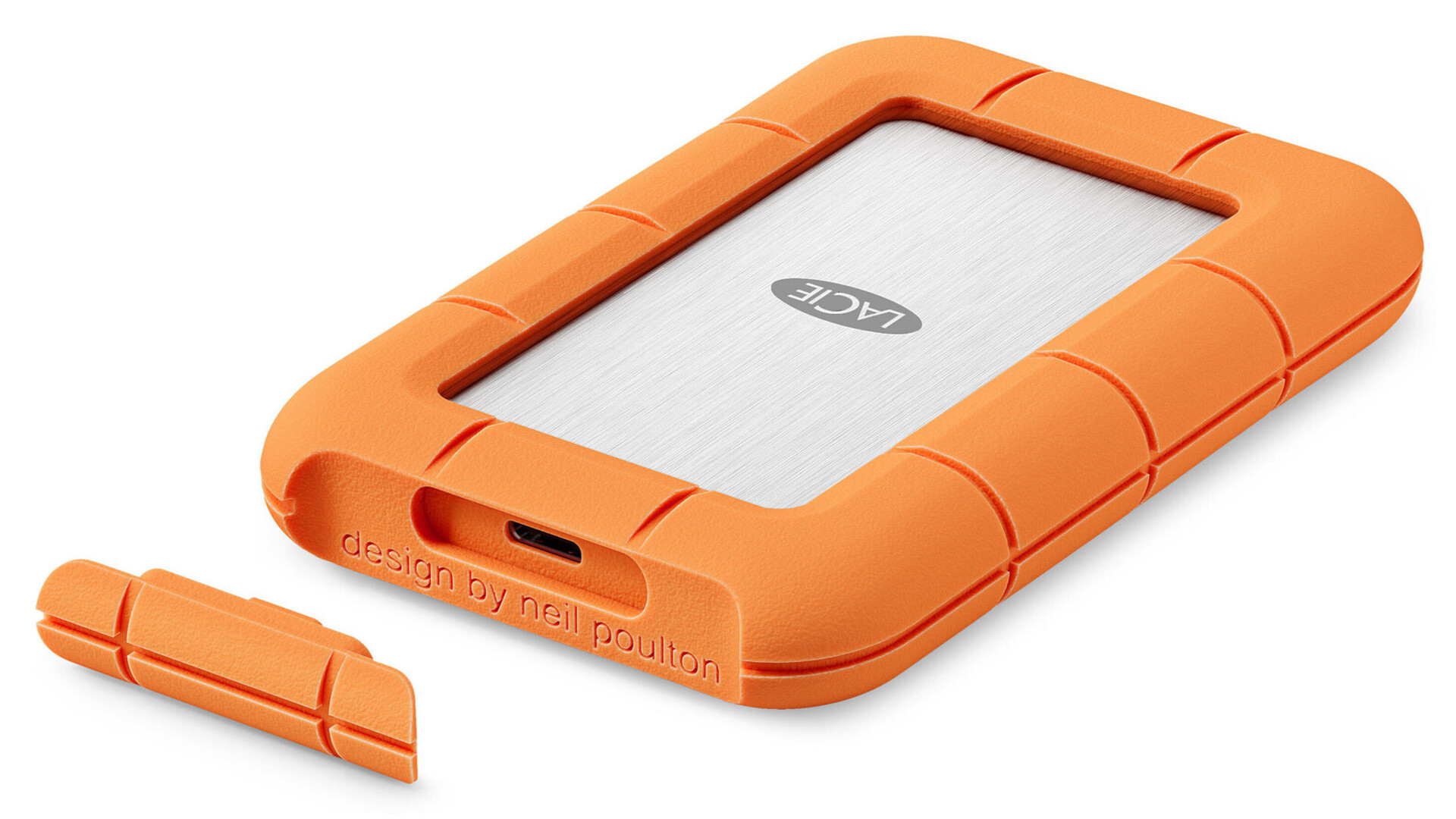 Forget about Thunderbolt 5, Seagate finally launches its first USB4 portable SSD under its legendary storage label
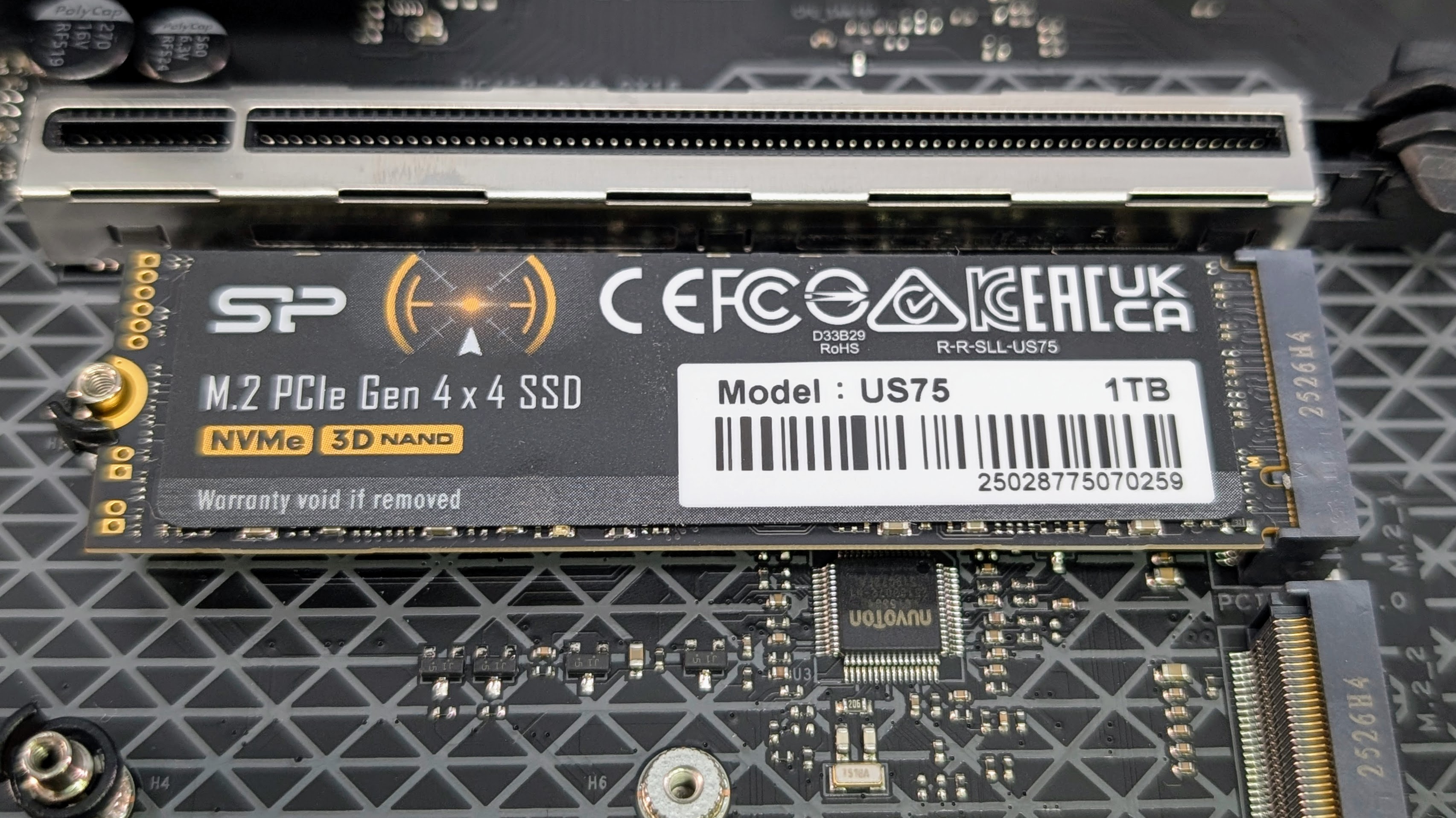 I got hands on with the Silicon Power US75 SSD and it offers fast storage for creators and gamers at a price that undercuts rivals
Latest in Pro
I got hands on with the Silicon Power US75 SSD and it offers fast storage for creators and gamers at a price that undercuts rivals
Latest in Pro
 Struggling with high storage costs? Time to get deleting, as study finds up to 50% of data could be unused
 Businesses are struggling to implement "responsible AI" - but it could make all the difference
 SitusAMC hack may have exposed data at major financial heavyweights
 Watch out coders - top code formatting sites are apparently exposing huge amounts of user data
 The three speeds of zero trust
 vSphere 7 support ends: the challenges of Broadcom’s new licensing and pricing models
Latest in Deals
vSphere 7 support ends: the challenges of Broadcom’s new licensing and pricing models
Latest in Deals
 This VPN is offering a lifetime of VPN coverage and premium password management for only $30! Here's how to pick up your deal
 ExpressVPN might've just dropped a killer Black Friday VPN deal – but not everyone can see it right now
ExpressVPN is still the most expensive VPN in our top 5, but here's why it's worth checking out
ExpressVPN might've just dropped a killer Black Friday VPN deal – but not everyone can see it right now
ExpressVPN is still the most expensive VPN in our top 5, but here's why it's worth checking out
 NordLocker is one of the most trusted security platforms out there - and its cloud storage offering has some great Black Friday deals
 Ready to give your business a sharper edge this Black Friday? Update your branding with Vistaprint's mega sale
 My favorite VPN for gaming just dropped its prices by up to 77% − here's how to grab yours
LATEST ARTICLES
My favorite VPN for gaming just dropped its prices by up to 77% − here's how to grab yours
LATEST ARTICLES- 1Echo Dot Max review: Amazon’s best mid-range speaker, but not by much
- 2SitusAMC hack may have exposed data at major financial heavyweights
- 3This VPN is offering a lifetime of VPN coverage and premium password management for only $30! Here's how to pick up your deal
- 4ChatGPT’s new voice integration feels like the missing piece in AI chat – I’ve tried it, and it's almost perfect
- 5NordVPN Prime vs Proton Unlimited – which is the best premium VPN deal this Black Friday?