 Igor Alecsander/Getty Images
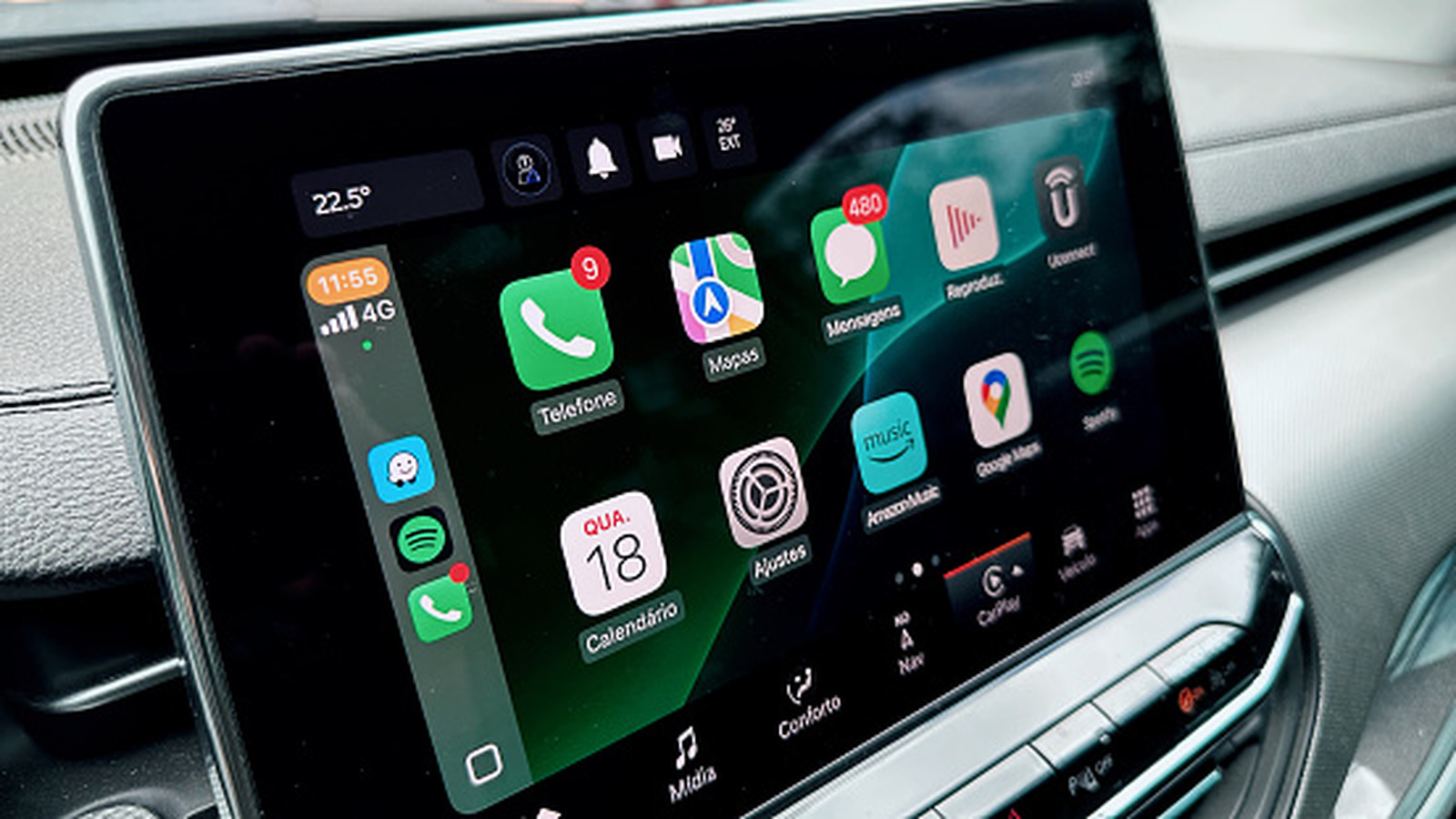
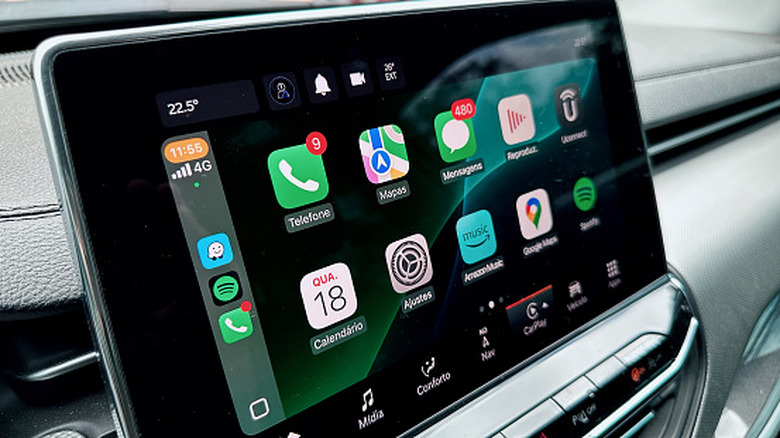
If there's one common ground that fans of both old and new cars generally seem to agree on, it's Apple CarPlay. Specifically, both camps agree that Apple CarPlay is a great feature, and fans of older cars are lamenting its absence. Some automakers, like Rivian and Tesla, have never offered the functionality on their vehicles, while others, like General Motors, are slowly starting to phase out CarPlay despite offering it until recently.
Apple CarPlay first began its rollout in 2014 in Mercedes-Benz, Volvo, and Ferrari vehicles, and earlier versions required a cable to connect to the car's infotainment system. Most of the latest cars have switched to wireless CarPlay, and with iOS 26, it's easier than ever to connect. If your car only has wired CarPlay, there are various solutions, like the AutoSky Wireless CarPlay Box — a device that gives your system Apple CarPlay functionality wirelessly, along with a few other features. It's straightforward to connect your vehicle's infotainment system to the AutoSky Wireless CarPlay Box.
Installation is a breeze
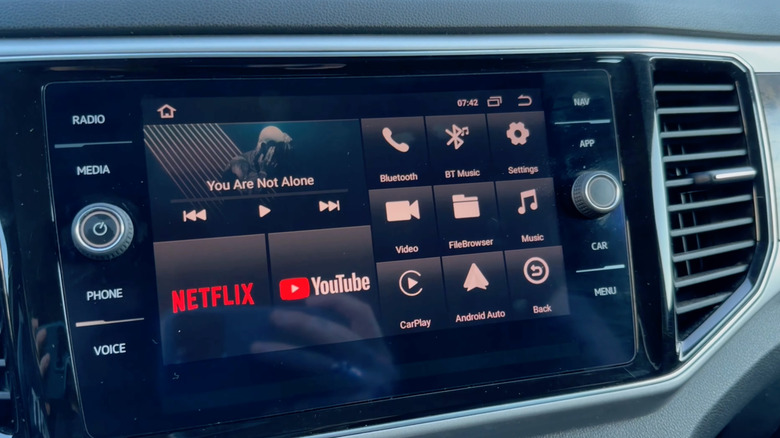
Unlike those infamous Android-based infotainment systems sold on AliExpress and the like — essentially Android tablets with dashboard buttons on each side of the screen — the AutoSky box installation process is much simpler and much faster. First, you must ensure that your vehicle is equipped with wired Apple CarPlay from the factory, and thus has a USB port, usually somewhere in the center console, that is specifically meant for use with Apple CarPlay and Android Auto.
Then, once you remove the AutoSky CarPlay device from its packaging, plug it into that USB port and open the Bluetooth settings on your iPhone. When it's ready to pair, it should show up as "CarPlayBox" or another similar name, and once you connect to it, you might get a prompt on your infotainment screen to connect to that device.
Once you do, if everything works correctly, it should take you directly to the device's custom version of Android, which includes Apple CarPlay, as well as streaming apps like Netflix and other applications, effectively giving your factory infotainment system some of the features of those Android-based devices.
Please keep in mind that this device is not capable of adding Apple CarPlay to an infotainment system that doesn't already have it — it simply makes your existing CarPlay wireless and adds a few other useful features. With so many new cars switching to wireless CarPlay, this is a great solution, and you won't have to take your phone out of your pocket every time and plug it in. That being said, this is also a pretty expensive solution — the regular price of the Wireless CarPlay Box on AutoSky's website is $173.80, currently available at $86.90.